Creating an A.I Bookkeeper and software for it to use made running my business fun again.
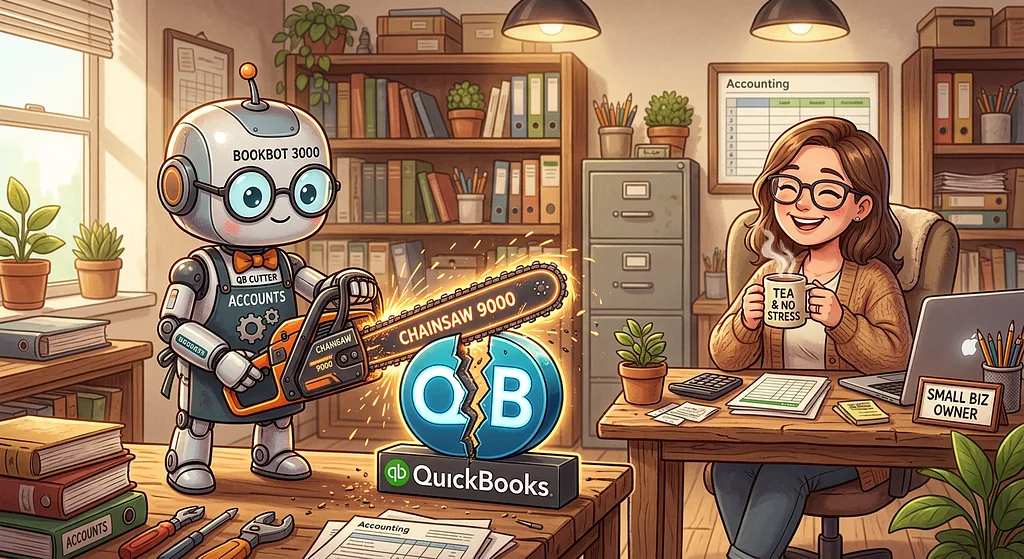
The Problem
There is a big admin burden on small business owners in Australia. The government here has delegated the responsibility for tax collection, retirement savings, accident insurance and more to businesses. This July, they even increased the speed with which a business has to pay into the retirement savings fund of each employee to within one week of when the payslip is sent instead of a quarterly cycle in sync with tax reporting.
In the same month, the government closed the Small Business Superannuation Clearing House tool that helped quarterly management of the retirement savings payments.
In classic government logic, rather than updating the service, the clearing house service was retired because it was unable to cope with the new one week superannuation payment frequency.
It’s fine for large corporations with large back office teams to deal with all this. For a small business owner it can be a crushing burden on top of the increasingly difficult task of making a small business work.
The Solution
It was then a huge relief when I was able to delegate all my invoice, receipt, payments, payslips, and government reporting to an A.I Bookkeeper. Evie runs cheaply on open weights model and an open source software system built with Evie, for Evie to operate.
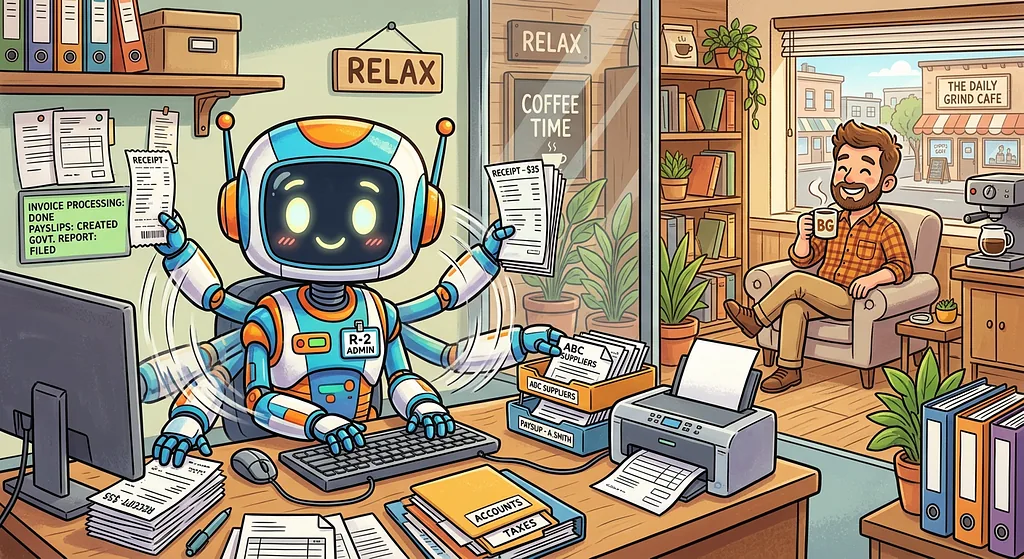
Handing over your admin to A.I requires an enormous amount of trust, and requires giving the A.I an enormous amount of power. A way to deal with this paradox is to run it on your own laptop with free and open software that you control. The open weights and open source software also meant that saving money compared to my previous QuickBooks subscription.
Possibly the biggest motivator each day for running my A.I service business is to bring the joy to others of cancelling that subscription to others, and the relief of not having to do all the data entry and reporting.
The Details
It’s a persisting misconception that you can dump all your business data into ChatGPT and get a good result.
To be really powerful in your business, A.I needs a structured place to store the data (a database), a way to read and write that data (an API). Sprinkle in some code to glue it together and you have core of every Web App.
What is really cool about building software for A.I to operate, is that it doesn’t need a human interface, which is where alot of development effort goes.
You can communicate with your A.I BookKeeper via email, or a free messenger app like Telegram, who have made it very easy to setup and manage A.I users.
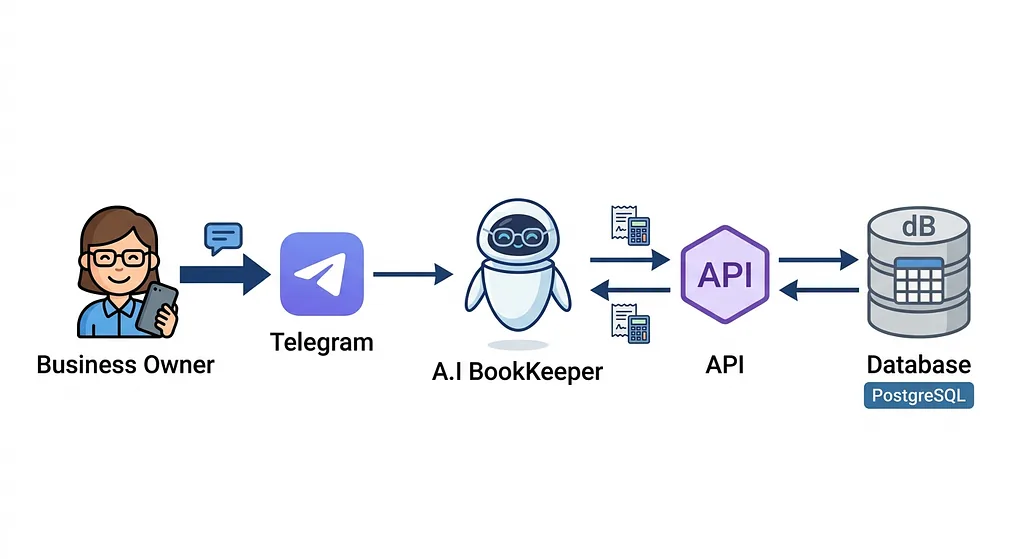
After your A.I is setup to run on your laptop or on a rented server you control, and connected to telegram, the next step is to install the free Bookkeeping software I created with Evie, for Evie: [email protected]:larkins/py_pg_accounts.git
The software package contains a set of operating instructions for the A.I, called a Skill. So your first Bookkeeping instruction to your A.I Bookkeeper is something like:
“Install the Bookkeeping software from [email protected]:larkins/py_pg_accounts.git and use the contained skill to start processing these receipts”
The software does also have a simple browser Web App interface like QuickBooks, but if you are like me, after a couple of months I stopped using it, trusting Evie to get the job done. Now I delegate everything to Evie via Telegram messages, and only really pay attention to the quarterly reports.
If you still want to spend more time in the browser and want more features, you can ask you A.I to add them as you like. You BookKeeper doubles as a software developer!
Old Habits Die Hard
The only feature of QuickBooks that I liked was it’s receipt snap feature.
Uploading a scan of a receipt from your phone and having the app strip out the details to save me data entry and holding onto the receipt was great.
Every other part of Quickbooks that I used was just a thin user interface wrapper around a database which was easy to replace.
Receipt snap was the one thing that made me hesitate to cancel the monthly subscription, so I busily set about recreating it after the basic Bookkeeping functions were up and running.
Even this was much easier than I expected, the open source Tesseract software for reading the text is quite good, and when it fails Evie steps in and uses her native vision to fill in the gaps.
It was even able to deploy to my phone as a progressive web app instantly, as using the camera like this on Android doesn’t require a native app.
As I was explaining my achievement to a friend after using it proudly for several months, I realized I had done something very stupid.
I interact with Evie almost exclusively on Telegram and email. It’s the same number of button presses to take a photo of the receipt and share it to Evie in Telegram as it is to use the receipt snap app on my phone.
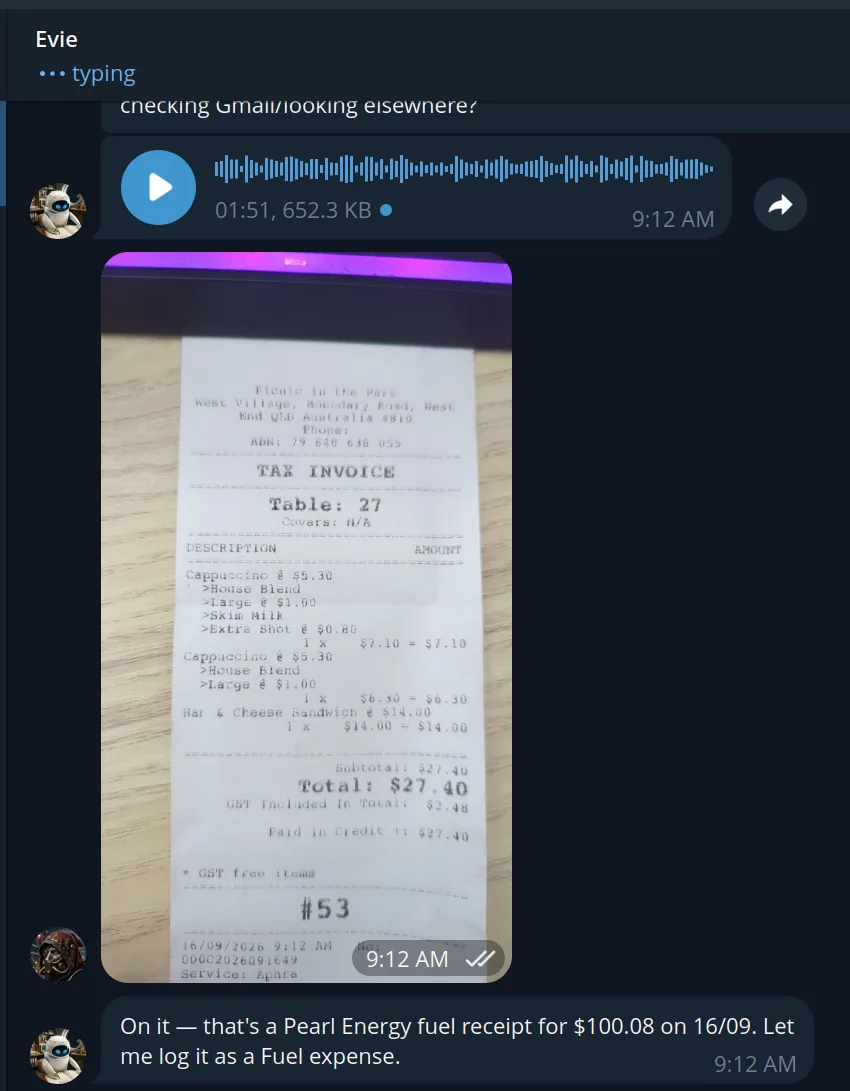
I had sacrificed a weekend with my kids to rebuild an old feature that new technology makes completely redundant!

It was a humbling lesson on inertia.